Home/Bahamas hub/Renting in the Bahamas
Apartments for rent in the Bahamas

Found a Bahamas rental you like? Keep the terms and move-in details connected.

Search apartments, condos, townhouses and homes for rent across the Bahamas. When one starts to feel right, estateTT keeps the shortlist, viewings, applications, lease questions, move-in preparation and landlord follow-up connected inside your renter account.

You control what you shareBrowse before creating an account

estateTT renter account

Search, apply and manage the rental journey

Inside estateTT
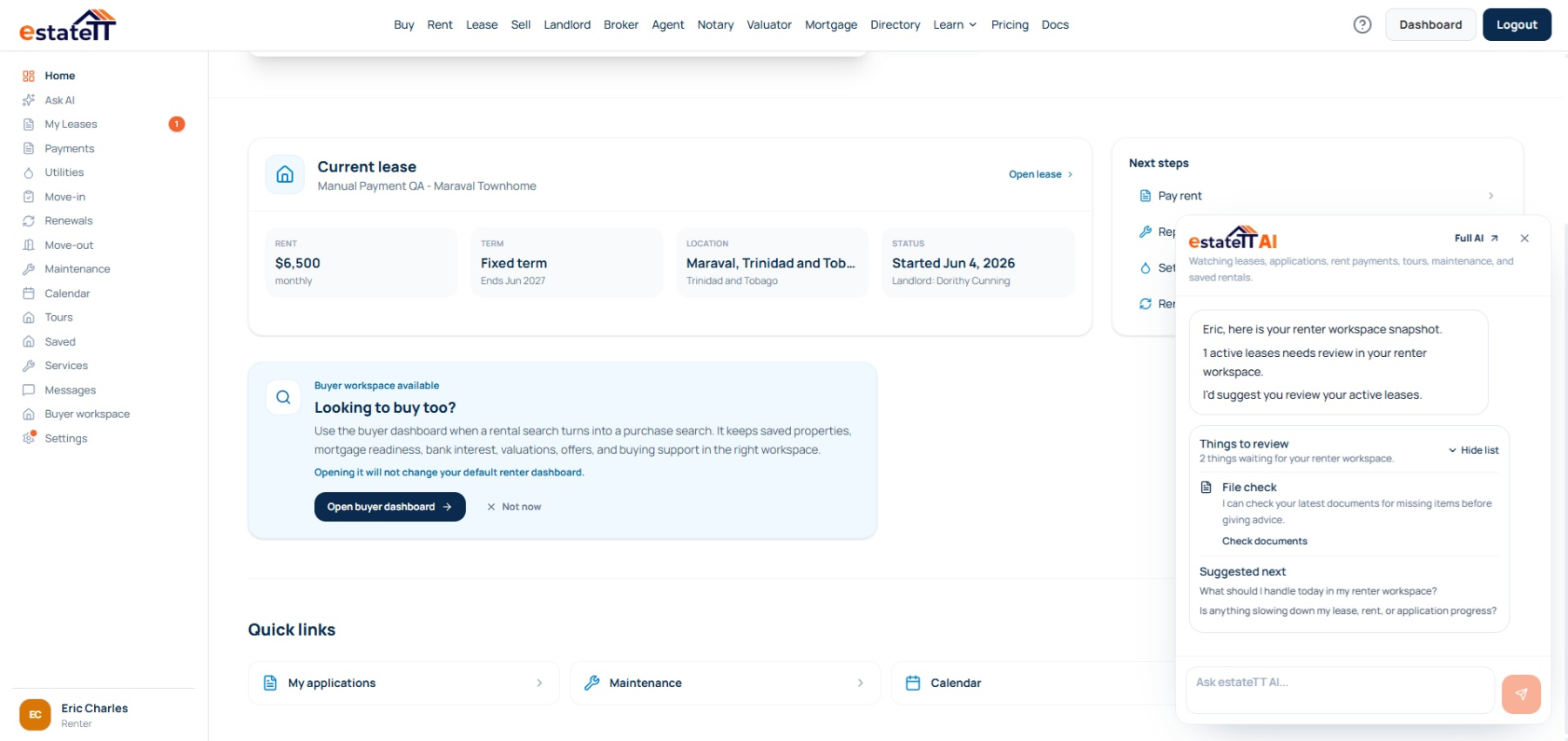
estateTT renter account showing rental search and lease activity

Search

Find what fits

Save

Keep the contenders

View

See daily life clearly

Apply

Prepare the renter file

Move in

Track what happens next

Renting in the Bahamas

The viewing can win you. The utilities, storm readiness and daily-living details decide whether it still works.

A Nassau apartment creates different trade-offs from a Cable Beach condo, western New Providence townhouse, Paradise Island unit or Freeport residence. Once you care about it, the next decision may depend on electricity, water, air-conditioning, storm preparation, security, furnishings, condition, terms and what the landlord or agent still needs to answer.

estateTT keeps that work attached to the rental. It does not approve applications, interpret leases, decide deposit or notice rules, transfer utilities, settle disputes, arrange storm protection or hold funds.

01

Keep the reason each Bahamas rental still matters

A Nassau apartment, Cable Beach condo, western New Providence townhouse, Paradise Island unit, eastern New Providence home or Freeport residence may stay on your list for completely different reasons. Keep the listing with the viewing notes, landlord replies and questions that explain why it deserves another look.

02

Prepare the application around the actual rental

Identification, employment details, references, preferred move-in timing and lease-term expectations become more useful when they are tied to the place you may rent. estateTT keeps the preparation easier to review without approving the application or deciding what a landlord must accept.

03

Keep the terms, utilities and promises visible

Deposit terms, notice, BPL electricity, water responsibility, internet, air-conditioning, furnishings, storm preparation, repairs, inventory, parking, security and access can shape daily life. estateTT keeps each open item beside the rental while the landlord, agent and qualified professionals handle the agreement and legal conclusions.

Where confidence starts to slip

The rental still looks right. The utility, storm and move-in story start changing the decision.

Renters lose momentum when electricity, water, storm preparation, repair, deposit, application or move-in questions surface late and the answer lives in another conversation.

01

The viewing changes the daily-living picture

BPL responsibility, water arrangements, backup power, shutters, air-conditioning, internet, appliances, parking, security, coastal exposure, access and commute can change how workable the rental feels.

02

A verbal promise can become tomorrow’s argument

Fresh paint, an appliance repair, included furniture, utility treatment, generator maintenance, storm preparation or another promise should not depend on memory. Keep the reply and condition note with the rental before money changes hands.

03

Application and move-in details arrive together

Documents, references, deposit timing, inventory checks, keys, gate access, utility setup, island logistics and lease questions can pile up quickly. A clearer renter file makes it easier to see what is ready and what still needs an answer.

estateTT renter dashboard for searching, applying and managing rental activity

The account behind the move

The renter workspace continues after you save the listing.

The same account can support the journey from rental search and application through move-in, utilities, maintenance, renewals and move-out records. The property stays the common reference instead of the story being rebuilt at every stage.

Create a renter account

Saved rentals stay organized

Return to the properties you are considering with the same notes, questions and follow-up still attached.

Tours and applications stay visible

Keep viewing activity, move-in timing, lease-term details and application status easier to review.

Move-in, utilities and maintenance continue the story

Track the practical records that matter after acceptance instead of treating the signed lease as the end of the workflow.

Renewal and move-out have their own records

Keep later decisions, notices, condition information and responses from becoming another scattered conversation.

One rental. A longer relationship.

The renter account follows the tenancy lifecycle instead of stopping at move-in.

estateTT records the workflow and keeps both sides organized. It does not decide legal rights, approve deductions, transfer utilities, draft notices or replace qualified professionals.

Before the lease

Saved rentals, tours, applications, documents, references and the questions that shape the decision.

Getting settled

Move-in records, utilities, condition notes, messages and the practical items that need follow-up.

During the tenancy

Rent records, maintenance activity, lease information, renewals and communication around the active rental.

When things change

Renewal responses, move-out records and the information both renter and landlord may need to review.

Help based on your renter account

Use estateTT AI to bring the loose ends back into view.

AI can help surface a quiet landlord reply, application item, move-in task, utility record, maintenance update or renewal question already supported by the renter workspace. It helps you review and prepare; it does not interpret tenancy law, approve an application, arrange storm protection, send legal notices or make decisions for either party.

Renter account review

Supported records can be brought back into view

Helps you review, not decide

Applications and tours

Move-in and utilities

Maintenance and messages

Renewals and move-out

What estateTT helps you do

Keep the rental decision and tenancy records clearer as they grow.

Keep rental activity connected to the property

Bring lease, utility, condition and move-in questions back into view

Organize supported records across the tenancy lifecycle

Control what you share and with whom

What stays with the parties and qualified people

The platform supports the rental workflow. It does not make the decision.

×

Approve a renter or guarantee a landlord will accept an application

×

Determine whether a deposit, notice period, rent or lease term is legally valid

×

Interpret a lease, resolve a dispute or decide possession or repair responsibility

×

Transfer utilities, arrange storm protection, manage the property or complete maintenance work

×

Hold rent, deposits or other tenancy funds

Questions before you begin

Questions renters ask before a Bahamas rental gets serious

Can estateTT tell me whether a Bahamas rent or lease term is legally valid?

No. The current repository research records no statutory rent-control rule, but that does not turn every rent, notice, possession or lease question into an automatic answer. The agreement and circumstances should be reviewed carefully, and legal questions should go to a qualified Bahamian professional.

Can estateTT tell me how much security deposit a landlord can request?

No. The current Bahamas research does not provide a verified universal statutory deposit cap that estateTT can safely hard-code. The amount, payment terms, condition record and agreement should be reviewed carefully before money changes hands.

Can estateTT submit and approve my rental application?

The renter workspace can help organize applications, property details and supporting information. The landlord or responsible party still decides whether to accept an application, and estateTT does not guarantee approval.

Does estateTT pay BPL, water, rent or the security deposit for me?

No. estateTT can help track utility and payment-related information inside the renter workflow, but setup, transfers and payments remain with the renter, landlord, provider, financial institution or other responsible party.

Does estateTT draft, interpret or enforce my lease?

No. Final agreements, legal interpretation, enforcement, possession and dispute handling remain with the parties, qualified professionals and the relevant Bahamian authorities or courts. estateTT helps keep the uploaded agreement, questions, records and follow-up easier to manage.

The rental has your attention. Keep the decision from scattering.

Browse what feels liveable. Build the renter file before the move gets urgent.

Start with the listings. When one deserves serious time, use your renter account to keep the viewing, application, terms, utilities, storm-readiness questions and move-in follow-up connected.